Mastering Custom Laser Design: Techniques and Insights for Success
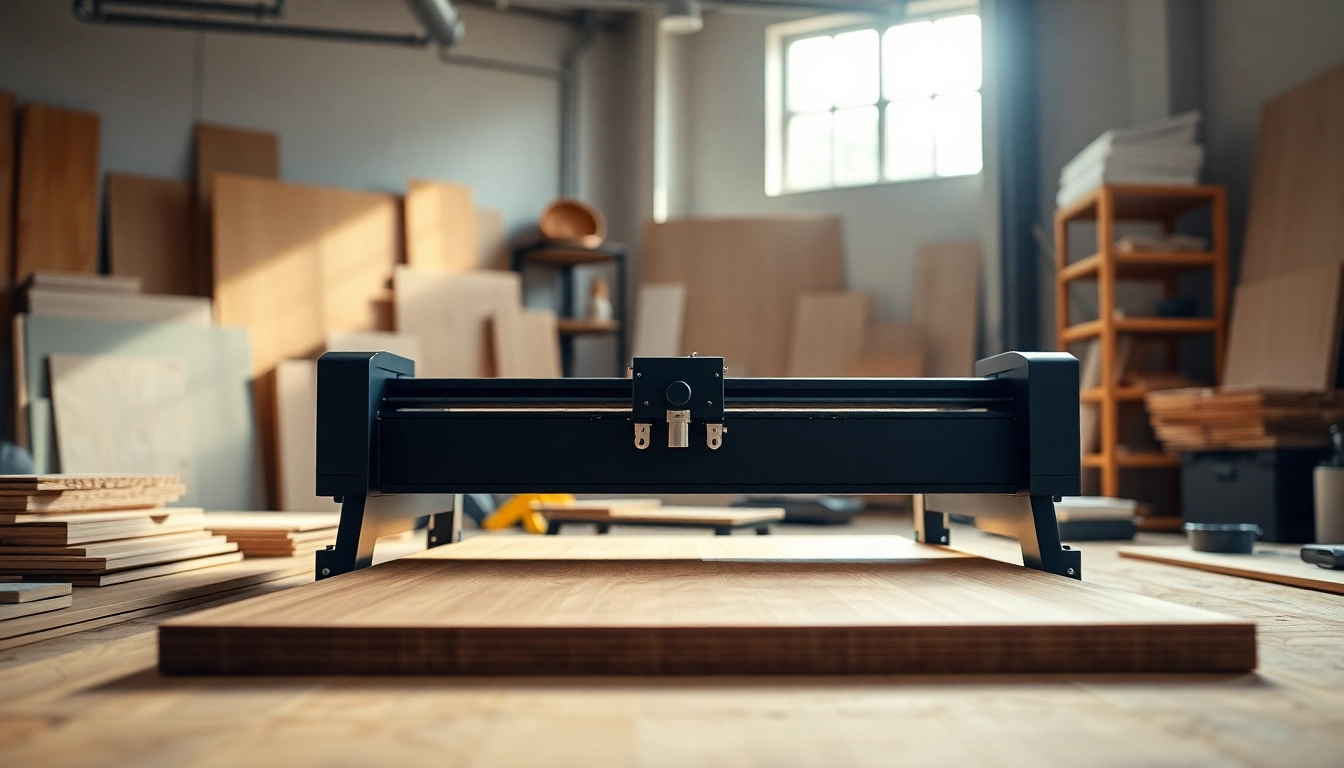
Understanding Custom Laser Design
What is Custom Laser Design?
Custom laser design refers to the process of creating unique designs specifically tailored for laser cutting and engraving applications. This technique employs high-powered lasers to precisely cut or engrave materials such as wood, acrylic, metal, glass, and more. The versatility of custom laser design allows users to produce intricate patterns, personalized items, and bespoke products for various industries.
History and Evolution of Laser Cutting
Laser cutting was first developed in the 1960s, initially for industrial applications. As technology advanced, lasers became more precise, efficient, and accessible. The introduction of computer-aided design (CAD) in the 1980s revolutionized the way designs were created, leading to a surge in custom laser applications. Today, laser cutting and engraving are widely used across diverse sectors, from manufacturing to crafts, providing a cost-effective solution for high-quality production.
Benefits of Custom Laser Design
Custom laser design offers numerous advantages, including:
- Precision: Lasers can cut and engrave extremely intricate designs with high accuracy.
- Versatility: Suitable for a wide range of materials, allowing for diverse applications.
- Customization: Ideal for creating tailored products that meet specific customer needs.
- Efficiency: Faster production times compared to traditional methods, leading to reduced operational costs.
Essential Tools and Equipment for Custom Laser Design
Types of Laser Cutters
Various laser cutting machines are available, each with unique capabilities:
- CO2 Lasers: Commonly used for cutting and engraving non-metal materials such as wood and acrylic.
- Fiber Lasers: More efficient for cutting metals, offering faster processing speeds and higher power densities.
- Solid-State Lasers: Provide high precision in applications requiring intricate detailing.
Software for Designing Laser Projects
Effective design software is essential for generating laser-ready files. Popular options include:
- Adobe Illustrator: Offers versatile design tools for creating intricate graphics.
- CorelDRAW: Specifically geared towards vector design, making it popular among laser operators.
- Inkscape: An open-source alternative that provides robust features for designing SVG files.
Material Choices and Considerations
Choosing the right material is critical for successful laser cutting and engraving. Factors to consider include:
- Thickness: Different materials have varying thicknesses that can affect the laser’s efficiency.
- Reflectivity: Some materials may reflect the laser beam, impacting cutting efficiency.
- Tensile Strength: Harder materials require more power and may necessitate slower cutting speeds.
Creating Your First Custom Laser Design
Designing Graphics for Laser Cutting
Start by brainstorming ideas and sketching rough drafts. Use your chosen design software to create digital graphics. Keep in mind the limitations and capabilities of your laser cutter, including minimum cut sizes and tolerances to ensure the design can be executed effectively.
Setting Up Your Laser Cutter
Before running your design, ensure the laser cutter is set correctly. Key setup steps include:
- Calibrating the laser focus to achieve optimal cutting depth.
- Adjusting the speed and power settings based on material type and thickness.
- Ensuring safety features are in place, such as exhaust systems and correct alignment.
Running Your First Cut Successfully
Once the setup is complete, run a test cut on a scrap piece of material. This allows you to check the precision and make any necessary adjustments. Be patient and attentive, as this first run is vital for ensuring consistency in your final products.
Best Practices for Custom Laser Design
Maintaining Your Laser Equipment
Regular maintenance is essential for the longevity of your laser cutter. Key practices include:
- Cleansing the lens and mirrors frequently to prevent debris buildup.
- Checking alignment and calibration periodically to avoid precision loss.
- Storing materials properly to prevent warping or damage.
Common Mistakes to Avoid
New users often encounter pitfalls. Common mistakes include:
- Using inappropriate materials that may damage the cutter or lead to poor results.
- Neglecting safety protocols, such as not wearing protective gear or failing to ensure adequate ventilation.
- Underestimating the importance of testing designs before full runs, which can waste materials and time.
Tips for Improving Design Precision
To enhance the precision of your projects, consider the following tips:
- Use vector graphics instead of raster images for cleaner cuts.
- Test various settings on scrap materials to optimize parameters for the best results.
- Engage in continuous learning—stay updated on new techniques and innovations in the field.
Exploring Advanced Techniques in Custom Laser Design
3D Laser Engraving Techniques
3D laser engraving adds depth to designs, creating multidimensional effects. This technique requires a high level of skill and an advanced laser cutter that can adjust power levels for varying depths.
Layering and Complex Cuts
Combining different materials and layering them can generate striking visual effects. This process requires precise adjustments in design to ensure layers fit seamlessly together, enhancing overall aesthetic appeal.
Integrating Custom Laser Designs into Products
Many businesses are integrating custom laser designs into their products to offer unique branding opportunities. From promotional items to retail products, laser engraving can add a personal touch that resonates with customers.
Frequently Asked Questions
What materials can be used for laser cutting?
You can use wood, acrylic, leather, fabric, paper, glass, and certain metals. Each material has specific settings that should be considered for optimal results.
How do I create a design for laser engraving?
Use vector graphic software like Adobe Illustrator or Inkscape to create designs. Ensure your designs are in a compatible format for your laser machine.
What safety measures should I take while using a laser cutter?
Always wear proper protective eyewear, ensure adequate ventilation, and follow the manufacturer’s safety guidelines for operating the machine.
Can I engrave photographs using a laser cutter?
Yes, you can engrave photographs by converting them into grayscale images suitable for raster engraving. Adjust contrast and exposure for the best results.
How do I maintain my laser cutter?
Regularly clean the lens and mirrors, check alignment, maintain the cooling systems, and follow the manufacturer’s maintenance schedule for long-lasting equipment.