Essential Steps for a Successful VALORANT Download
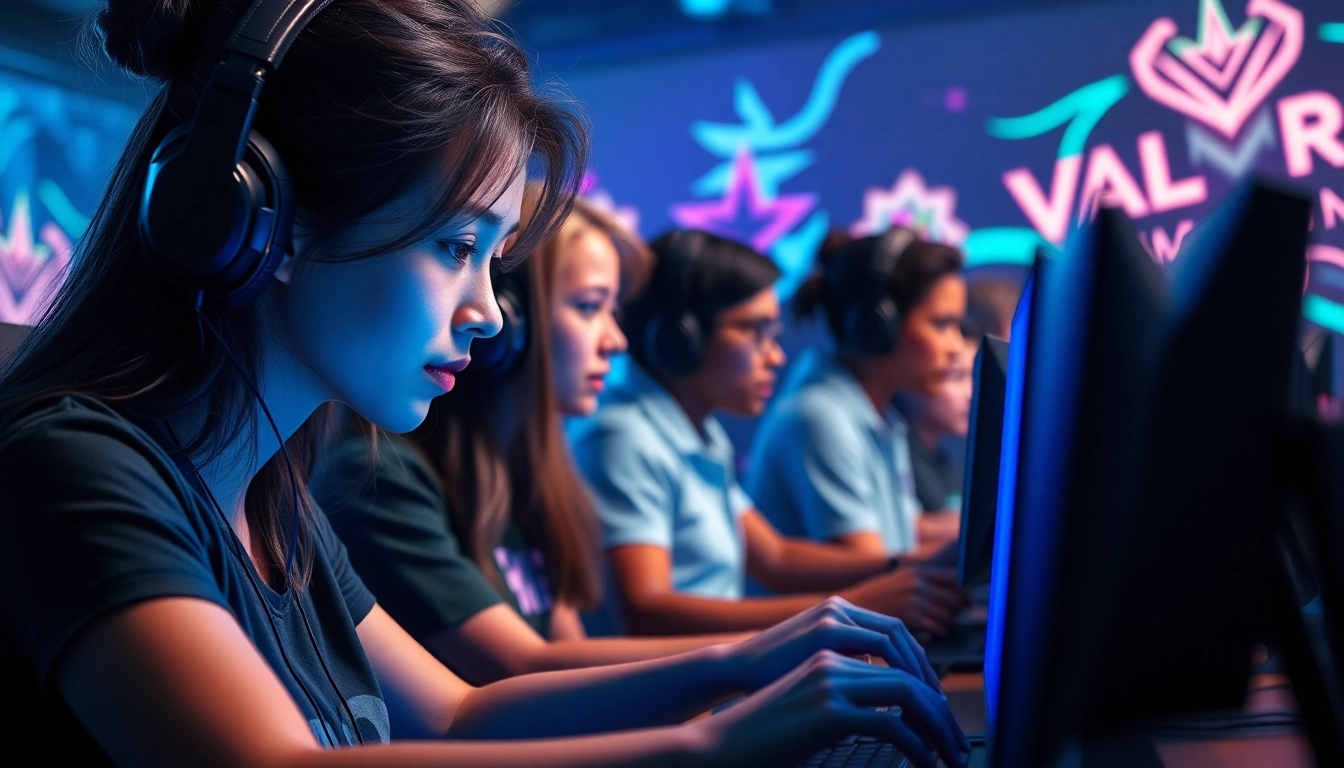
Introduction to VALORANT Download
In the realm of tactical first-person shooters, few games have garnered as much attention and acclaim as VALORANT. Developed and published by Riot Games, this game delivers a unique blend of precise gunplay and character-based abilities that sets it apart from traditional shooters. The valorant download is the first step to immersing yourself in this engaging and competitive environment. In this article, we will explore what VALORANT is, why it is such a compelling choice for gamers, the system requirements for optimal performance, and detailed instructions on how to download and install the game effectively.
What is VALORANT?
VALORANT is a character-based tactical shooting game where players are divided into two teams of five. Each player selects an “Agent,” each with unique abilities designed to support various roles in gameplay. The gameplay primarily revolves around attacking and defending bomb sites, creating scenarios where strategy, teamwork, and precision are paramount. The combination of skill-based gunplay and agent abilities fosters a competitive atmosphere conducive to both casual and professional play. The game’s precise gameplay dynamics make it a favorite among eSports enthusiasts and casual gamers alike.
Why Download VALORANT?
The choice to download VALORANT hinges on several compelling reasons:
- Free-to-Play Model: VALORANT is completely free, allowing players to enjoy high-quality gameplay without any initial investment.
- Regular Updates: Riot Games continuously updates VALORANT, introducing new agents, maps, and gameplay enhancements to keep the experience fresh and exciting.
- Dedicated Community: The game boasts a vast and active player base, making it easy to find matches and engage with fellow gamers.
- eSports Potential: With its focus on competitive play, VALORANT is increasingly prominent in the eSports scene, making it a great choice for players interested in tournaments and professional gaming.
System Requirements for Optimal Performance
To ensure that your experience with VALORANT is smooth and enjoyable, it is crucial to meet or exceed the game’s system requirements. Here are the minimum and recommended specifications:
Minimum Specifications
- OS: Windows 7/8/10 (64-bit)
- Processor: Intel Core 2 Duo E8400
- RAM: 4 GB
- Graphics Card: Intel HD 3000
- VRAM: 1 GB
- DirectX: Version 11
- Network: Broadband Internet connection
- Storage: 7.3 GB available space
Recommended Specifications
- OS: Windows 7/8/10 (64-bit)
- Processor: Intel i3-4150
- RAM: 8 GB
- Graphics Card: Geforce GT 730
- VRAM: 1 GB
- DirectX: Version 11
- Network: Broadband Internet connection
- Storage: 7.3 GB available space
By meeting these requirements, players can fully enjoy the vibrant graphics and fast-paced gameplay that VALORANT has to offer.
Preparing for Your VALORANT Download
Creating a Riot Games Account
Before downloading VALORANT, you must create a Riot Games account. This account is essential for tracking your progress, friends, and achievements within the game. To create an account:
- Visit the official Riot Games account creation page.
- Enter your email address, create a username, and select a secure password.
- Verify your email to complete the account setup process.
Choosing the Right Platform
While VALORANT is primarily a PC game, players should ensure they have the right system and controls in place before diving in. Currently, VALORANT is not available on consoles, so PC gamers need to check compatibility requirements before proceeding with the download.
Pre-Download Checklist
Before initiating the download, make sure to:
- Check internet bandwidth – A stable and reliable internet connection will help ensure a smooth download and gameplay experience.
- Disable any VPN or firewall settings that might interfere with the download process.
- Ensure your system meets the minimum requirements discussed earlier.
How to Perform a VALORANT Download
Step-by-Step Download Instructions
Downloading VALORANT is a straightforward process. Follow these steps to get started:
- Access the official VALORANT download page.
- Click the “Download” button to download the Riot Client.
- Open the downloaded file to launch the installer.
- Follow the on-screen instructions to complete the installation of the Riot Client.
- Once installed, open the Riot Client, log in with your Riot Games account, and find VALORANT in the library.
- Click “Install” to download VALORANT on your PC.
Common Download Issues and Solutions
Sometimes players may encounter issues during the downloading process. Here are some common problems and their solutions:
- Slow Download Speed: If encountering slow download speeds, try pausing and restarting the download, or check your internet connection settings.
- Installation Errors: Ensure your system meets the requirements, and consider temporarily disabling antivirus software during the installation.
- Network Issues: If you face network-related issues, ensure that your firewall settings allow the Riot Client and VALORANT access to the internet.
Ensuring a Successful Installation
To ensure a successful VALORANT installation, consider the following best practices:
- Keep your operating system and drivers updated, particularly graphics drivers.
- Allocate enough storage space before initiating the download to avoid interruptions.
- Consider installing the game during off-peak hours to improve download speed.
Maximizing Your VALORANT Experience
Initial Game Setup and Settings
Once VALORANT is installed, it’s vital to optimize your settings for the best gameplay experience. Here’s how:
- Graphics Settings: Adjust settings to enhance performance or visual quality according to your PC’s specs. Lower settings can significantly improve frame rates on less powerful systems.
- Key Bindings: Customize key bindings to suit your playstyle and enhance your comfort during gameplay.
- Sound Settings: Fine-tune audio settings to ensure you can hear key game sounds like footsteps and ability cues.
Essential Tips for New Players
New players can benefit from several tips to improve their gameplay experience in VALORANT:
- Master the Agents: Take time to learn the abilities of various agents and how they fit into team compositions.
- Practice Aim: Regularly engage in aim training exercises to enhance shooting precision.
- Team Communication: Always communicate with your team through voice chat or in-game pings to ensure better coordination.
Understanding Game Updates and Patches
VALORANT receives regular updates that may include new content, balance changes, and bug fixes. It is crucial to stay informed about these updates by checking patch notes. Adapting to changes can significantly affect your gameplay and overall experience.
Community and Support Resources
Finding VALORANT Community Forums
The VALORANT community is vast and active, offering numerous forums and platforms where players can exchange tips, strategies, and experiences. Engage with online communities through forums, Reddit, and social media platforms dedicated to VALORANT to enhance your knowledge and skillset.
Accessing Customer Support
Should you encounter any issues or require assistance with the game, Riot Games provides a comprehensive support site. You can access guides, troubleshooting articles, and submit tickets for personalized help regarding any technical problems you might face.
Learning from Veteran Players
As a newcomer to VALORANT, one of the best ways to learn is by watching seasoned players in action. Consider exploring dedicated gaming streams, YouTube channels, or even local tournaments to gain insights into advanced tactics and strategies that could elevate your gameplay.